

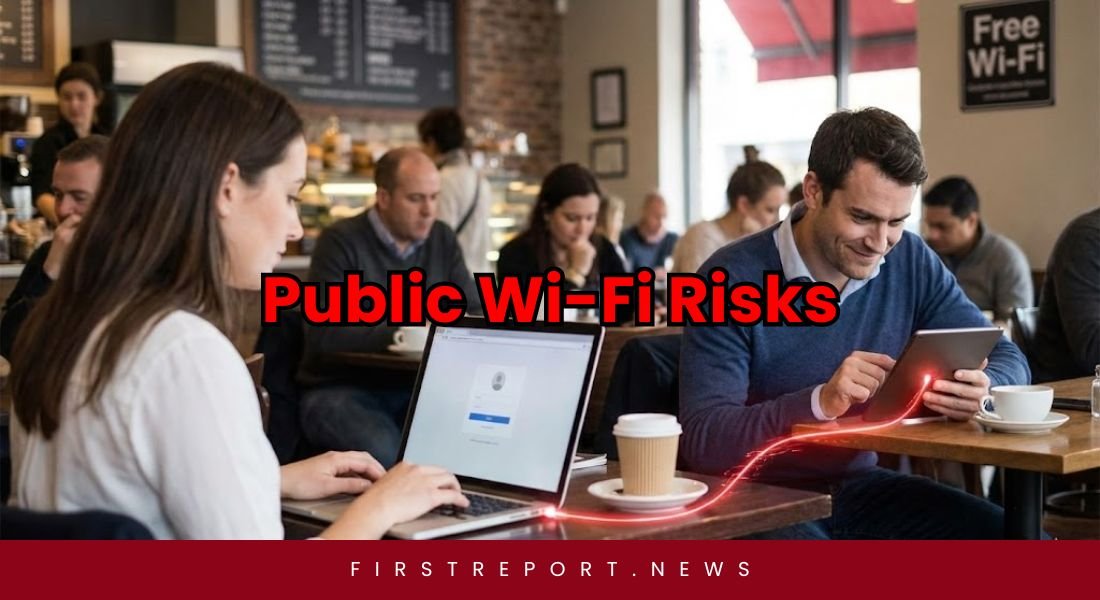
Public Wi-Fi is a lifesaver most of the time in airports, cafes, and hotels. This makes it very convenient for online payments or connecting people through cell phones. With Convenience, public wifi also brings serious security risks. Cybercriminals easily access these open networks to steal personal data and login credentials. Many users underestimate the danger because attacks often happen silently without visible signs. A peer-reviewed study on ResearchGate describes specific threats related to vulnerabilities in wireless networks:
- Attackers can easily intercept unencrypted traffic on open networks.
- Hackers perform “man-in-the-middle” attacks to steal credentials.
- Users are at a very high risk of data compromise without even realizing it.
Why Public Wi-Fi is Dangerous
Most public networks lack strong encryption. This vulnerability allows hackers to steal data through packet sniffing or session hijacking. Criminals also create fake “evil twin” networks that look exactly like legitimate hotspots. Once you connect, they can view your browsing data, passwords, and emails.
You will need to take some special precautions to keep your information secure. Follow these guidelines to stay safe:
| Security Measure | How It Helps |
| Use a VPN | Encrypts traffic between your laptop and the internet. |
| Check for HTTPS | Ensures the website encrypts your login sessions. |
| Disable Sharing | Turns off file sharing and network discovery to stop unauthorized access. |
| Enable Firewall | Blocks unauthorized access attempts and protects against malware. |
| Use MFA | Multi-factor authentication stops hackers even if they steal your password. |
Also Read: Restart Your Phone Every Week: NSA
Never conduct banking or payment transactions on public Wi-Fi. Avoid accessing confidential corporate files or medical portals. For sensitive tasks, use your personal mobile data hotspot instead. Always log out and “forget” the network after use.